03 March 2026
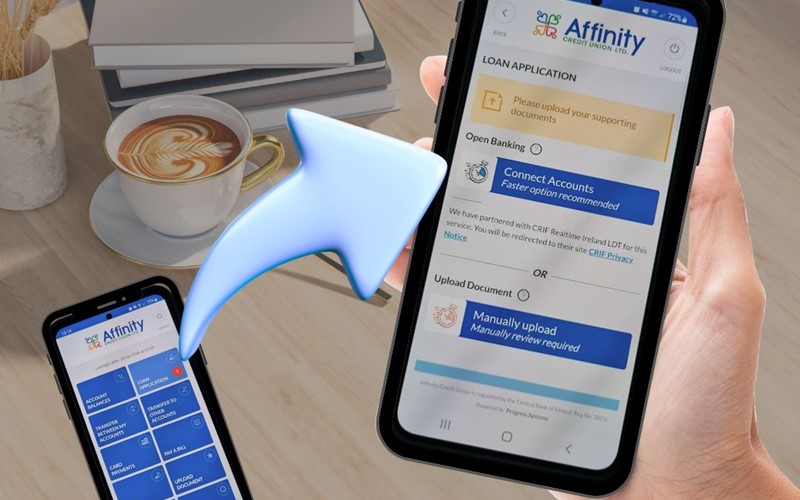
What is Connect Accounts?
Connect Accounts -
It's an easier, quicker and more secure way to provide bank statements
for your loan application.
No more hassle of requesting bank statements, waiting for them to arrive and bringing them into the credit union branch.
Connect Accounts is even simpler and more secure than downloading a statement and attaching it to an e-mail.
When you have a loan application submitted, simply:
- Click Connect Accounts from within the Affinity App or Online Banking.
- Select your bank from the drop-down menu.
- You will be redirected to your bank's platform to login and authenticate connection.
- When complete, back in the App/Online Banking, you will be asked to connect another bank or complete.
- If you operate a secondary current account, follow the steps as prompted for authenticating second connection.
When Connect Accounts is complete, you will be brought back to the Loan Application screen where the manual upload option can be used to upload payslips, if required.
If you need any help with this process or run in to any issues, please phone us on 0818 222 919, and press 5 for digital support. We're here to help.